Export from Strong
In Strong, open Profile > Settings and choose Export Workouts to get a CSV file.
Import your Strong export into Gains in about a minute. Every workout, PR, and chart comes with you.
In Strong, open Profile > Settings and choose Export Workouts to get a CSV file.
In Gains, open Settings, choose Import Workout History, and pick the file.
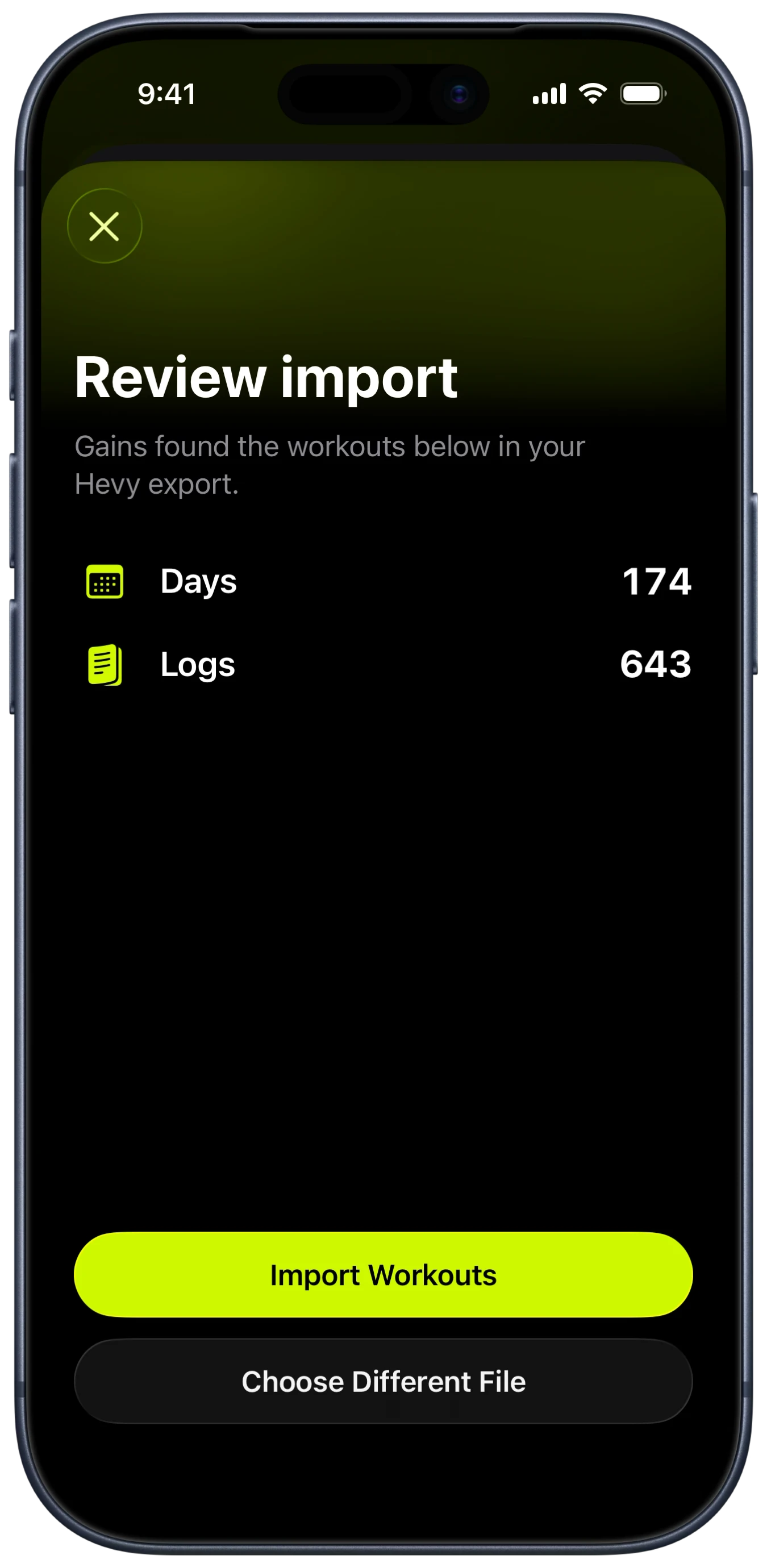
Gains shows exactly what it found before anything is saved.